Objects Display Enhancements
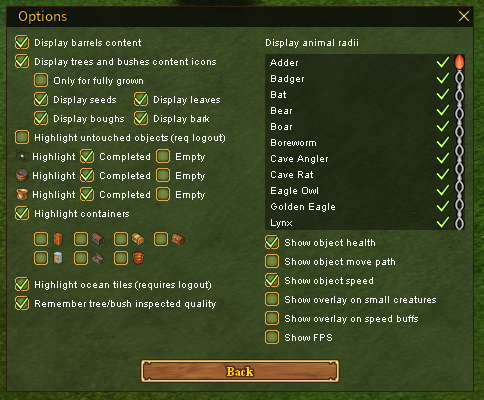
Can be configured via "Options" -> "Display settings"
Features
Display barrels content
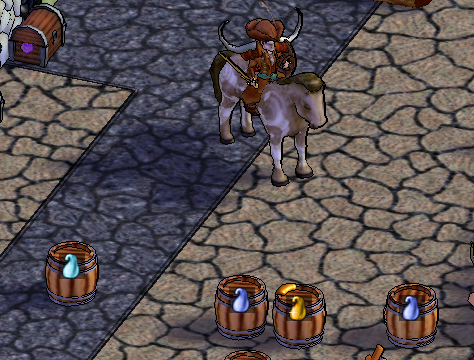
- Shows the content of the barrels as an icon overlay.
Display trees and bushes content icons
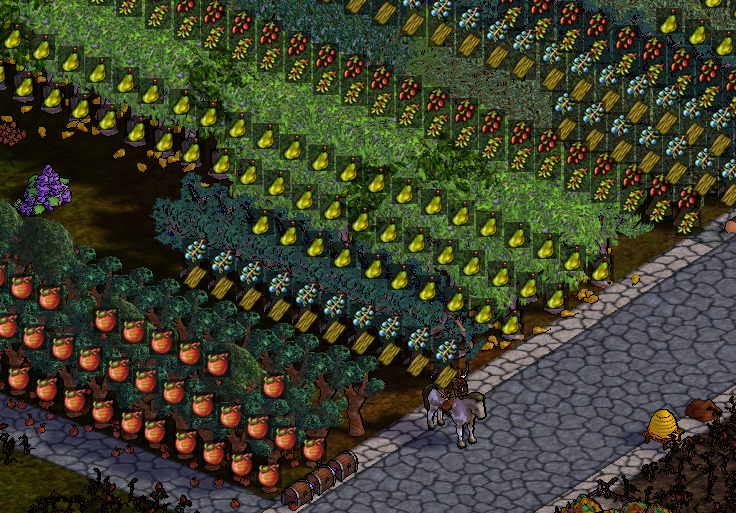
- Add an icon overlay with the harvestable content of the trees and bushes.
- Note: Only useful items are displayed, not all of them.
- Note: Seeds, fruits, and leaves reflect the current state. Bark and boughs are always shown, even if already harvested.
Highlight untouched objects
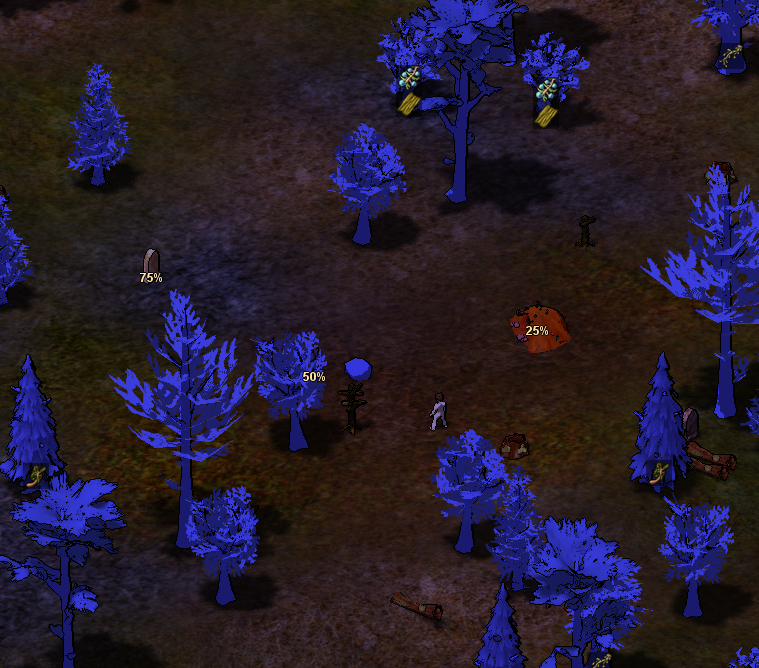
- Helps you find trees and stones you have not yet interacted with for LP.
- All trees/stones will be painted blue.
- After you harvest everything you want from the tree/stone, you need to click
Ctrl + Alt + Left Clickover it, and this type will not be highlighted anymore. - Progress is remembered separately for each character.
Highlight frames/tubes/pots
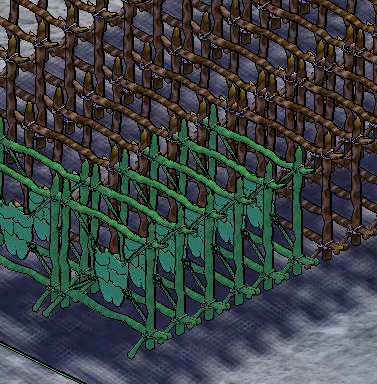
- Highlights the frames/tubes/pots. Completed - green, empty - white.
Highlight containers
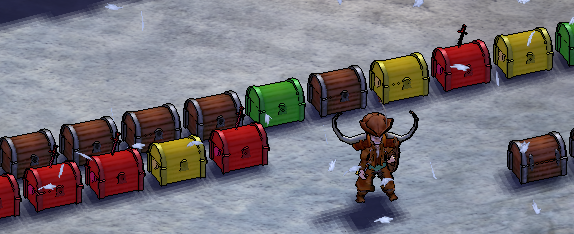
- Containers are colored based on the emptiness level.
- No color - empty
- Green - contains something
- Yellow - contains a lot, but not full
- Red - full
- Individual container types can be enabled in
Options->Display settings, including cupboards, several chest types, cabinets, caskets, cheese racks, Jotun clams, and crates.
Remember container contents
- Replica can record a complete snapshot when you open a supported container and show its item icons over the container later.
- See Container Contents for display options and manual icons.
Highlight ocean tiles
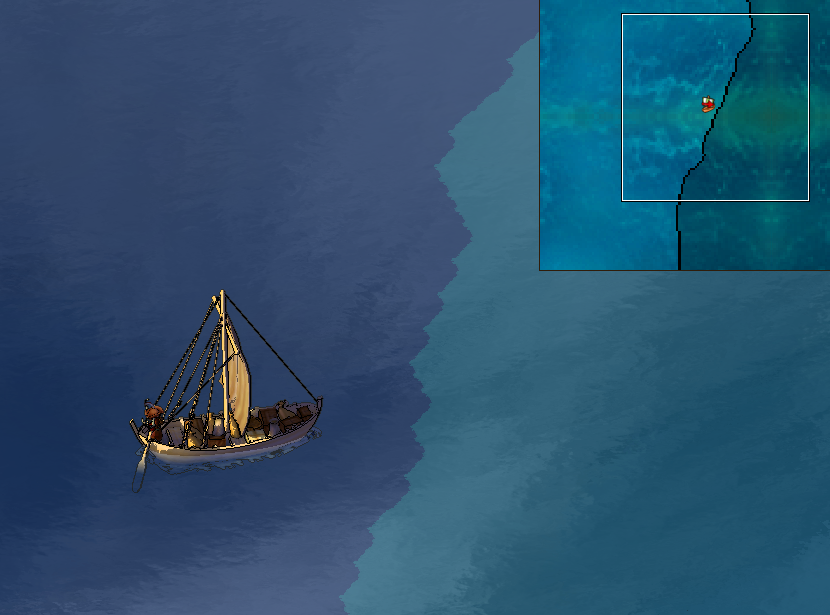
- Deep water ocean tiles are colored differently.
Remember tree/bush inspected quality
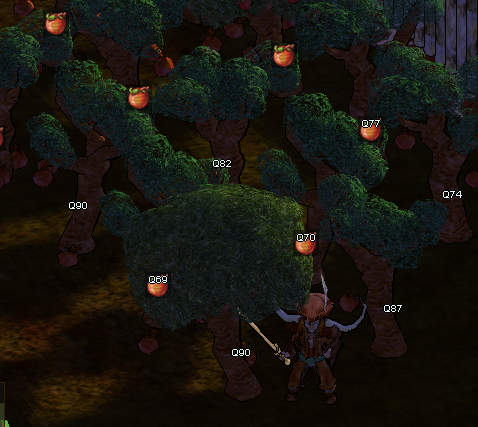
- Displays the last inspected quality of a tree or bush and remembers it between sessions.
Show object health
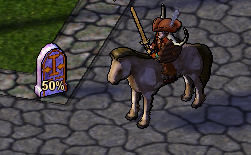
- Shows the health of the objects in %. Available values are: 25%, 50%, 75%
Show object move path
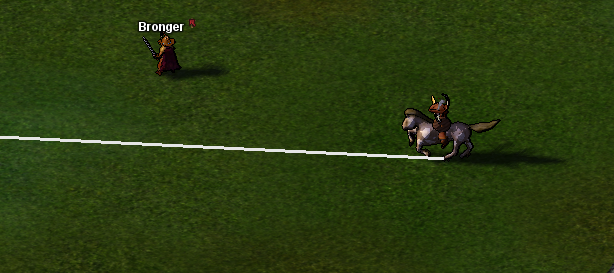
- Shows the movement direction of moving objects as a beam.
Show object speed
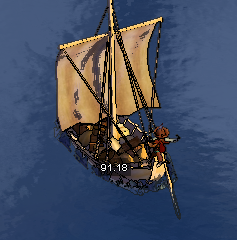
- Shows the speed of a moving object. It is currently limited to large ships, orcas, whales, and trolls.
Show animal radii
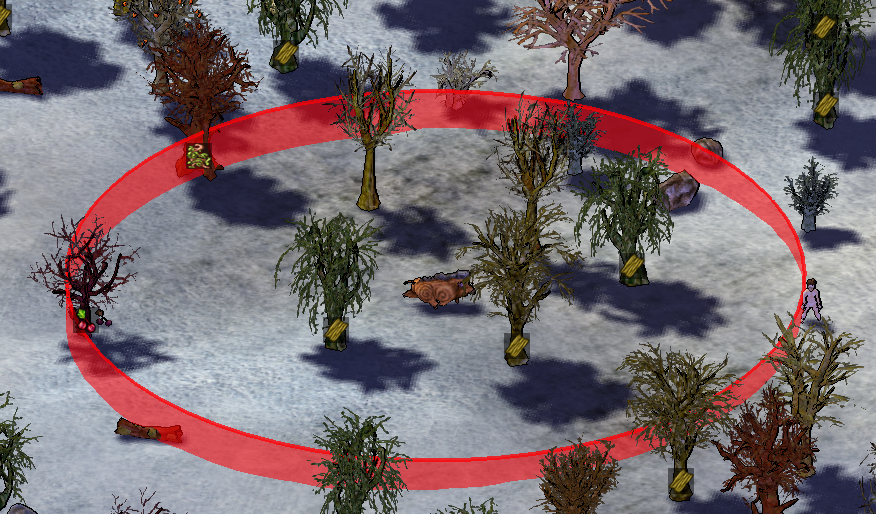
- Shows the aggro radius of animals.
- Note: It may not be very accurate, but typically safe.
Show overlay on small creatures
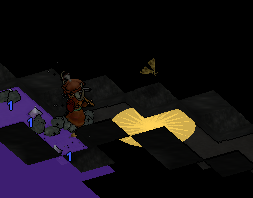
- Add the overlay to the small creatures.
- You can click on overlay to interact with the creature (easy catch!)
- The color can be configured via "Options" -> "Color settings".
Show FPS
- Shows FPS in the top right corner.
Display tree scale

- Shows the tree scale
- Can configure the threshold
- If minimap icon is enabled, will force the icon with the scale above threshold to show up on the minimap
- If entity overlay is enabled, will display the text overlay for the trees with the scale above threshold