Launcher
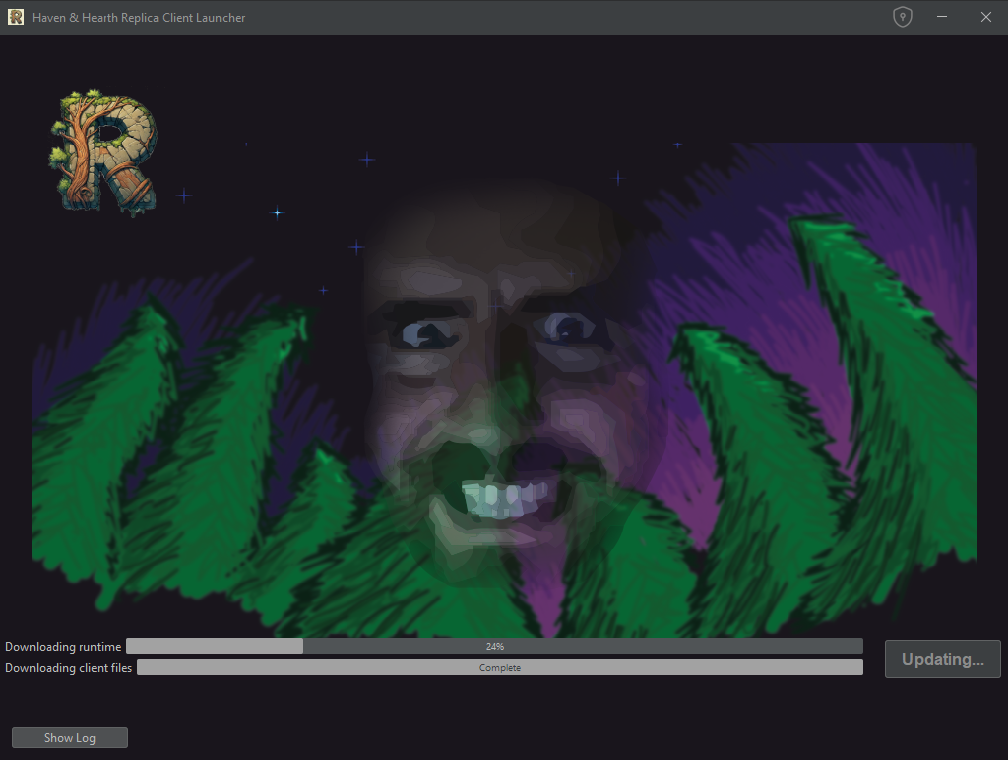
The launcher automatically downloads and updates everything required to run Replica. You do not need to install Java or update the client manually.
Starting the client
- Open the launcher.
- Wait until Updating... changes to Play.
- Click Play.
You can click Play again to open additional clients. The launcher can be closed after the client starts.
- Open client folder opens the installed client files.
- Show client console displays a console window with additional diagnostic information on Windows. Leave it disabled during normal use.
- Show Log displays launcher and update messages.
If something goes wrong
- Update failed: open Show Log, then restart the launcher. If it fails again, share the log when reporting the problem.
- Launcher outdated: follow the download prompt. Steam users should update the Workshop item; standalone users should download and extract the new launcher package over the existing launcher folder.
- Another launcher is updating: close the other launcher and try again.
- The standalone launcher does not open: run
Replica Launcher (console).batand include the displayed error when reporting the problem.